
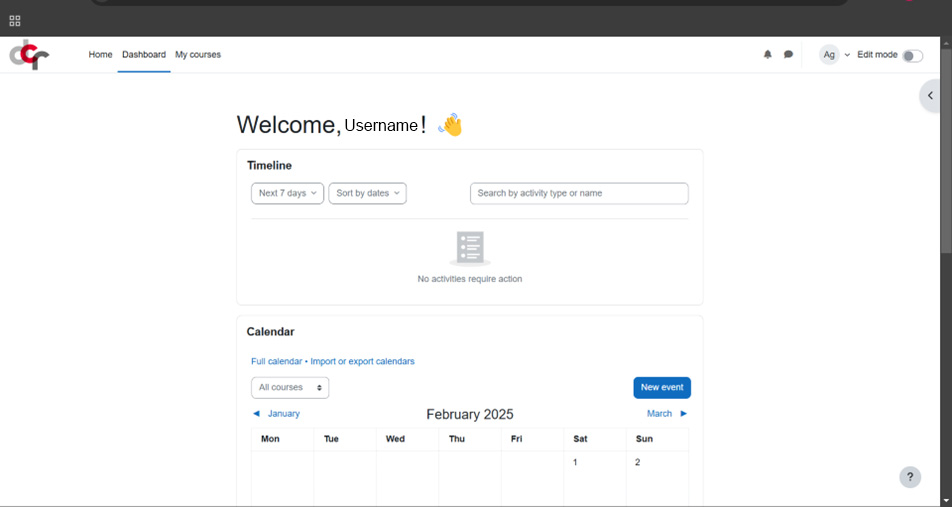
Since 2024, the DCR Bern is using Moodle platform to host its course content. Whether you are a student or a teacher, you will find all the resources you need here to help you use Moodle.

Topics:

  • How to log in to DCR Bern Moodle platform?
  • How to access DCR courses?

For teachers only:

  • How to use Moodle?
  • Moodle Playground

Step 1 - Username and password

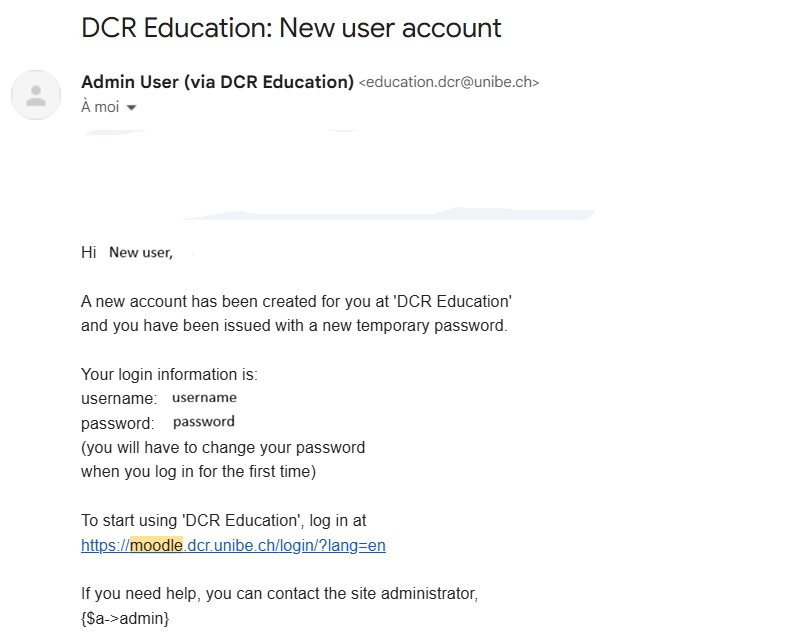
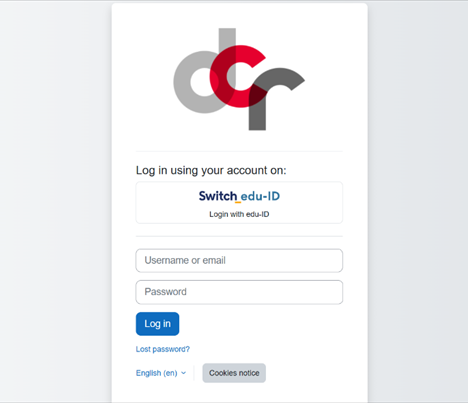
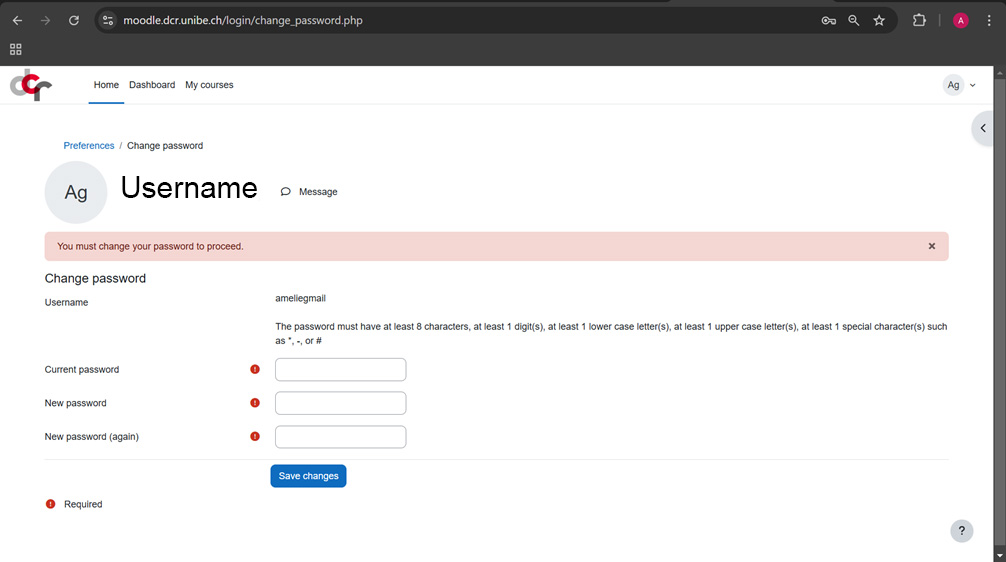
You should have received an email from Admin User (via DCR Education)  has been automatically sent to your email address. Inside of this email, you will find a username, password, and a link. Please click on the link that is provided. 

If you did not receive this email, please go on https://moodle.dcr.unibe.ch/ and click on “Lost password?” and enter the email address that you use to register to the course.

Option 1

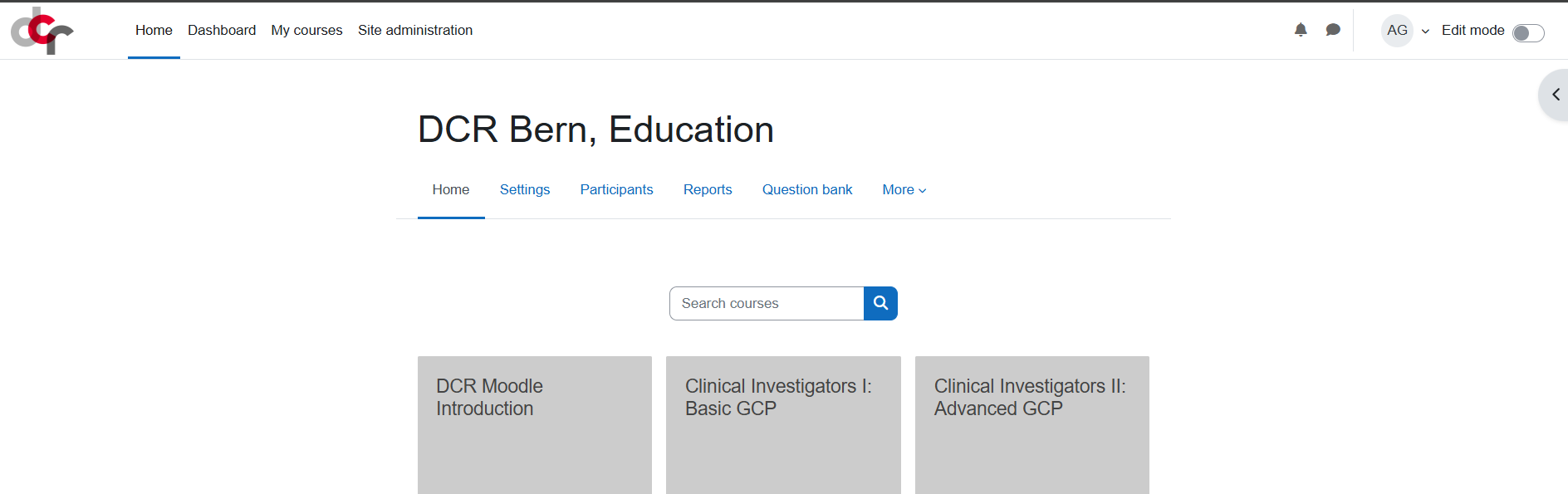
Click "Home" inside of the top bar menu, and select the course of interest.

Option 2

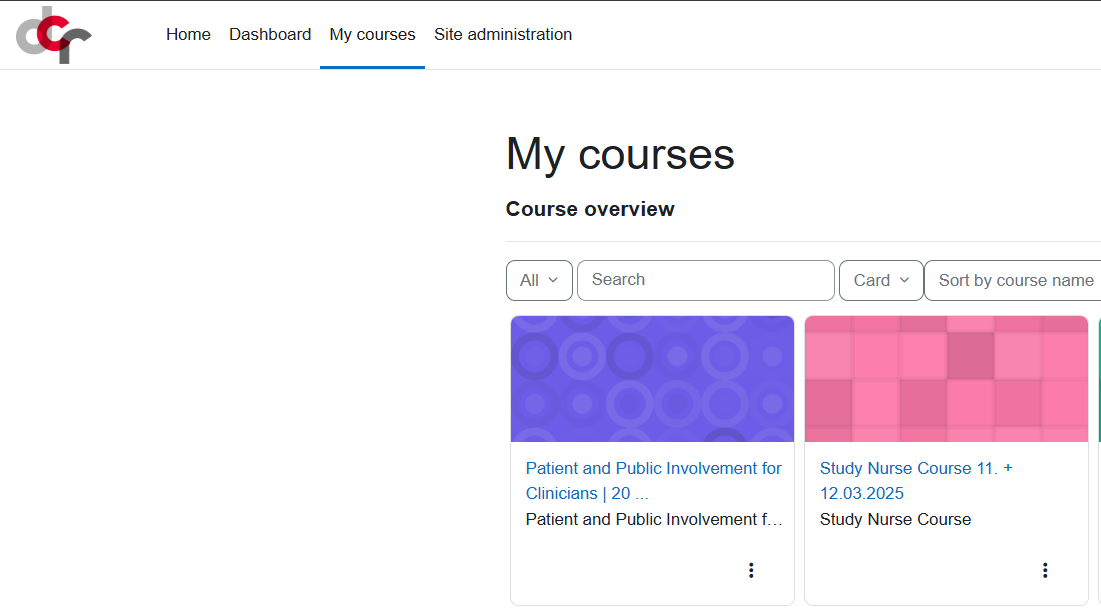
Click  "My courses" inside of the top bar menu, and select the course of interest.


The two sections below are for teachers only

For teachers only

This section should help you to understand :

  • What is DCR Moodle platform?
  • How to create and manage a course space?
  • How to add/manage resources?
  • How to add/manage activities?
  • How to enroll/unroll students?
  • How to form student groups and group activities?
  • How to create an exam?
  • How to create an attendance list?
  • How to provide a course certificate?
For teachers only

This section is dedicated to exploration, experimentation, and creativity! 🎨

Add, delete, and change elements freely and let yourself be surprised by the possibilities (and limitations) of Moodle!

Just keep in mind that anyone can access and modify this section, so let's remain professional and respectful!